AI > Train AI
Learn how Train AI gives Draxlr AI your business definitions, KPI logic and naming conventions, so every question gets more accurate SQL, charts and insights.
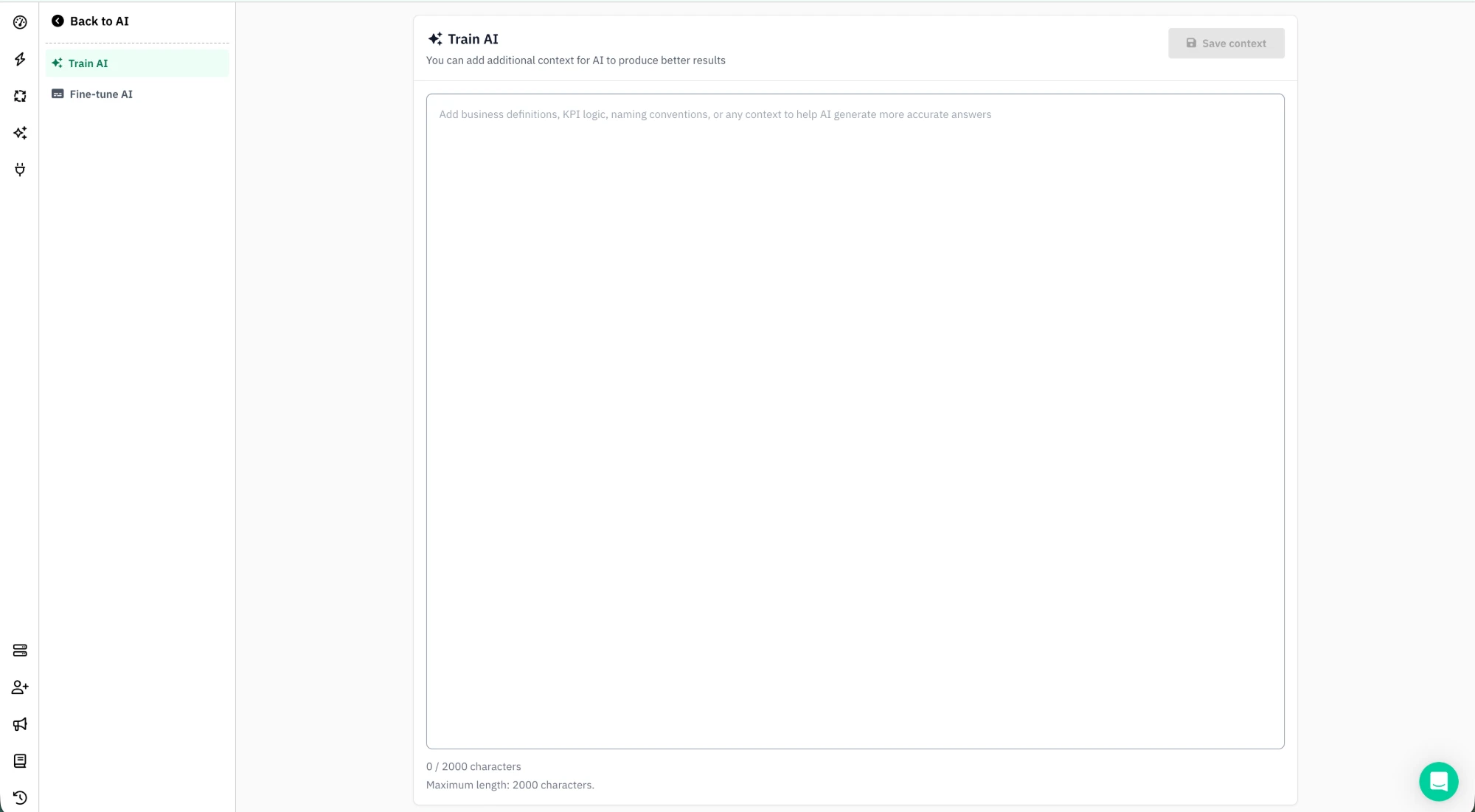
Train AI lets you give Draxlr AI a single block of free-form context about your business. This context is applied to every question you ask, helping the AI produce more accurate and relevant answers.
What is Train AI?
Where Fine-tune AI adds descriptions to individual tables and fields, Train AI captures the broader knowledge that does not belong to any single table, such as:
- Business definitions: what terms like active user, churned, or MRR mean in your company
- KPI logic: how metrics should be calculated (e.g. revenue excludes refunds)
- Naming conventions: abbreviations, codes, or internal jargon the AI should recognize
- General guidance: any rules or preferences the AI should follow when generating SQL, including when it should or should not ask you a clarifying question
Without this context, AI relies only on your schema and question. With it, the AI understands how your business thinks about the data.
When a metric such as revenue or active customers could be calculated in more than one way, Draxlr AI asks you which one you mean. Once the metric is defined in Train AI, it uses your definition and stops asking.
How to Use Train AI
- Open Draxlr AI and go to Train AI.
- In the text area, add business definitions, KPI logic, naming conventions, or any context that helps the AI generate more accurate answers.
- Click Save context.
Your context is automatically included whenever the AI generates SQL, charts, or insights. The character limit depends on your plan and is shown below the text area.
Add definitions from a chat
You don't have to write everything up front. When Draxlr AI asks what a term means and you answer, the reply shows the Definition used, for example:
Revenue is the sum of orders.total_amount, excluding cancelled orders.
Click Train AI next to it to add the definition to your Train AI context. It is added as a new line, in the same bullet style as your existing context, and the reply shows Added to AI training. From then on, every chat uses that definition without asking again. See Draxlr AI for more.
Note:
Definitions that are already in your Train AI context are not added twice. If adding a definition would go over your character limit, remove some context in Train AI and try again.
Tips
- Focus on knowledge that is not obvious from the schema alone.
- Define calculations and metrics clearly so the AI computes them consistently.
- Spell out abbreviations and internal terms the AI would not otherwise know.
- Say which records count, for example whether cancelled, refunded or test records are included.
- Keep it concise and prioritize the most impactful rules, as the character limit depends on your plan.
- Combine Train AI with Fine-tune AI for the best results: use Train AI for company-wide context and Fine-tune AI for table and field level meaning.