AI
Learn how Draxlr AI turns plain-English questions into SQL for your database, shows you the generated query, and displays the results as tables or charts.
Draxlr AI helps you explore your data using natural language. Ask questions in plain English, generate SQL automatically, and view results as tables or charts.
Link: https://app.draxlr.com/ai
What is Draxlr AI?
Draxlr AI is an intelligent data assistant that connects directly to your SQL database and helps you:
- Ask questions about your data in plain English
- Automatically generate SQL queries
- Instantly visualize results as charts or tables
- Refine results using follow up prompts
- Move from questions to dashboards faster
AI does not replace SQL in Draxlr. Instead, it acts as an assistant that writes SQL for you and shows you exactly what it generated.
How Draxlr AI works
You start by asking a question, for example:
- “Show the number of orders per employee”
- “Which employees have more than 80 orders”
- “Monthly order count by country”
Based on your question, Draxlr AI:
- Understands your database schema
- Identifies relevant tables, fields, joins, and aggregations
- Generates a valid SQL query
- Optionally executes the query automatically
- Displays the result as a table or chart
You can always view, copy, or edit the SQL before using it further.
Here is a short interactive demo:
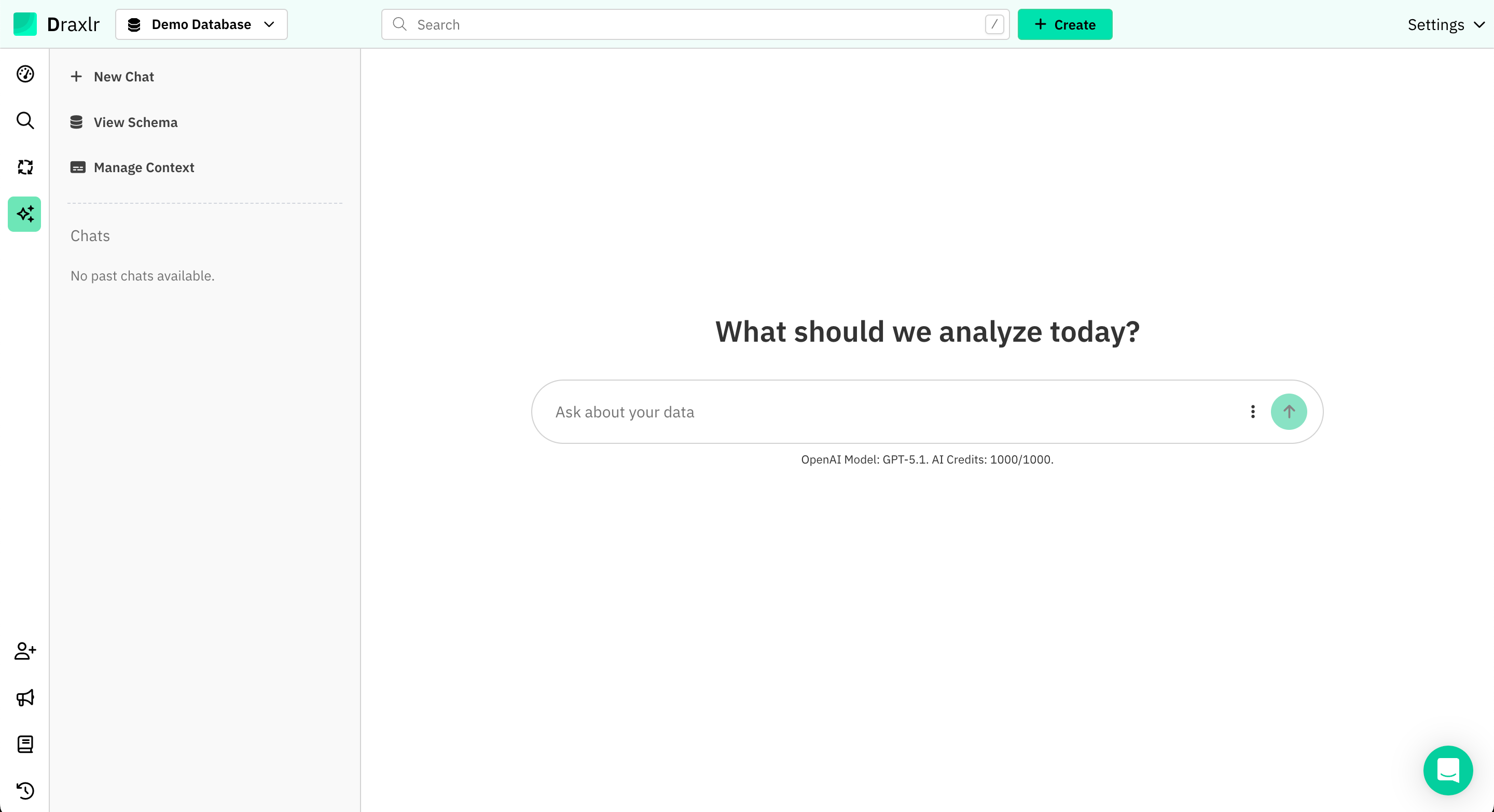
Let's explore Draxlr's AI by adding the data questions here.
Key capabilities
Natural language to SQL
Ask questions in plain English and get SQL queries that match your schema. Draxlr AI only generates read-only queries and respects your database structure.
Schema-aware answers
AI uses your actual database schema (tables, fields, and data types) to avoid guessing or hallucinating columns that do not exist.
Automatic execution (optional)
You can enable auto-execute so queries run as soon as the AI responds, or disable it if you want to review SQL first.
SQL visibility and transparency
Every generated query can be displayed alongside the result. This keeps your analysis auditable and easy to learn from.
Built-in visualization
Once a query runs, you can switch between charts, tables, and summaries without rewriting anything.
Dashboard-ready results
AI-generated queries and visualizations can be added directly to dashboards for reuse.
Controls and options
Draxlr AI gives you control over how it behaves:
- Auto Execute: Automatically run the generated query when AI responds
- Show SQL Query: Display the generated SQL with the result
You can also ask follow-up questions to refine results without starting over.
When to use Draxlr AI
Draxlr AI is ideal when you want to:
- Quickly explore unfamiliar databases
- Answer ad-hoc questions without writing SQL
- Prototype queries before refining them manually
- Build charts and dashboards faster
- Enable non-technical users to work with data safely
For complex or highly customized queries, you can always switch to manual SQL and continue from there.