Admin access
Full control of the product, including users and billing.
Admin is the highest access level in Draxlr. An admin can do everything a Full member can — manage databases, saved queries, dashboards, and automations — and manage the organization itself: inviting members, changing access levels, and handling billing.
Give this level only to people you trust to run the workspace.
What an admin can do
- Databases — connect, edit, and remove database connections.
- Explore — browse tables and run queries across every connected database (all rows).
- Saved queries — create, edit, organize, and delete saved queries.
- Dashboards — create dashboards and elements, share and embed them.
- Automations — set up Slack alerts, email alerts, API endpoints, and Google Sheets exports.
- Users — invite members, change their access levels, and remove them.
- Billing — manage the organization's plan and billing.
Assign the Admin level
1
Open Team
Go to Organization → Team and make sure you're on the Users tab.
2
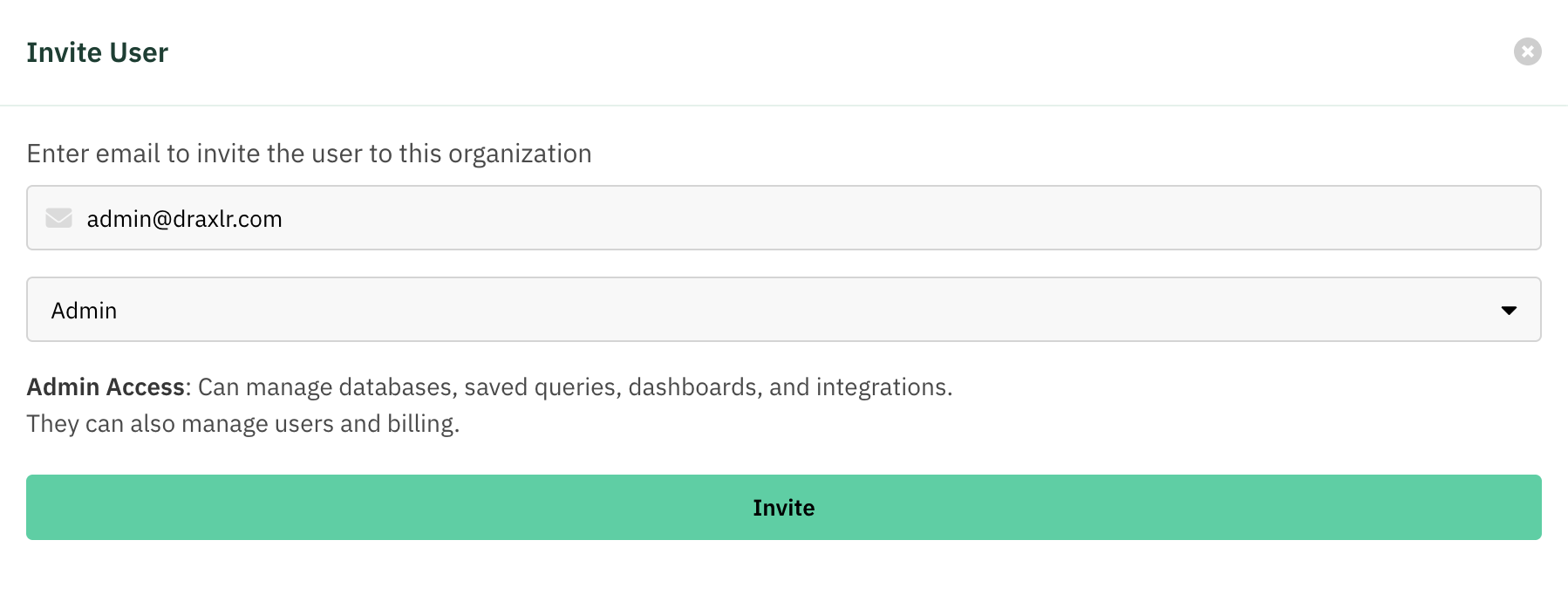
Invite or edit a member
Click Invite to add a new member, or the Edit Access (pencil) action on an existing member.
3
Choose Admin
Set the Access dropdown to Admin and save.
Least privilege:
Admins can manage billing and other members. Prefer Full access for teammates who build content but shouldn't manage the organization.