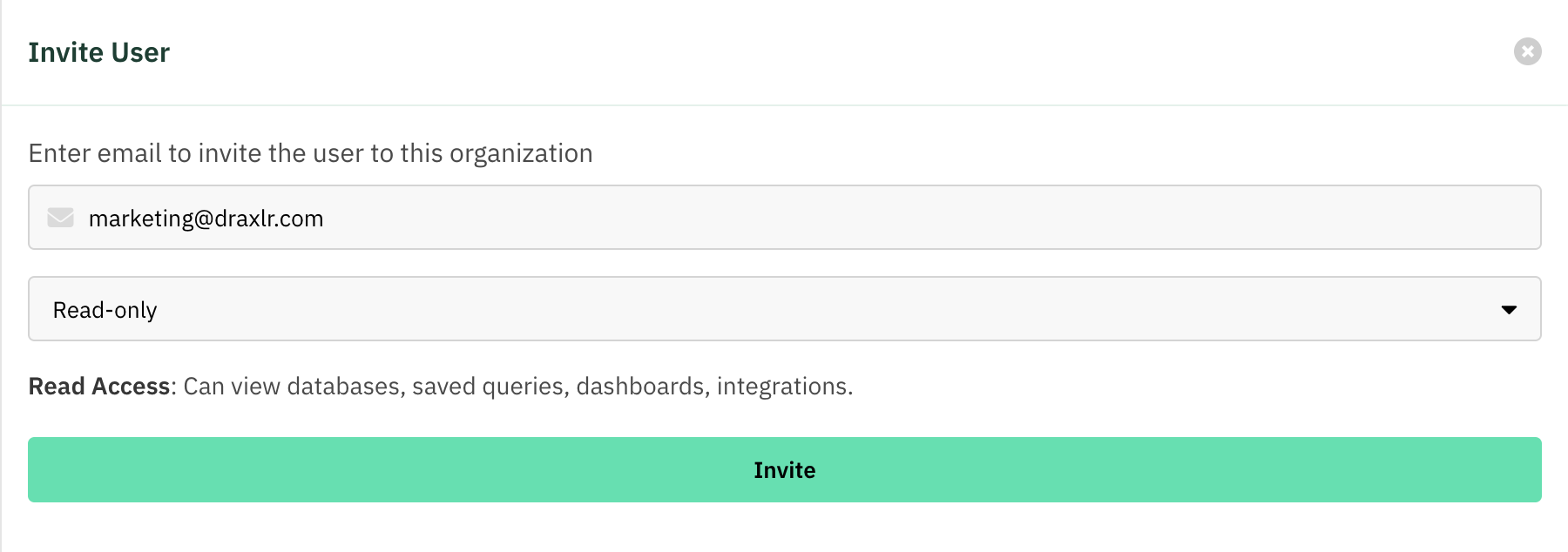
Read access
View-only access across the product.
Read access lets a member see everything in the workspace without changing anything. They can view databases, browse saved queries, open dashboards, and inspect automations — but they can't create, edit, or delete.
Use it for stakeholders who need visibility into your data and dashboards but shouldn't modify them.
What a read-only member can do
- Databases — view connected databases and their schema.
- Explore — open and view saved queries and their results.
- Dashboards — view any dashboard in the organization.
- Automations — view configured Slack alerts, email alerts, API endpoints, and exports.
What a read-only member cannot do
- Create, edit, or delete databases, saved queries, dashboards, or automations.
- Manage members or billing.
Read vs. Dashboard access:
Read-only members can view everything, including the raw data and saved queries. If you want a member to see only specific dashboards — and nothing else — use Dashboard access instead. If they should only see specific rows of data, use RLS.
Assign the Read level
Open Team
Go to Organization → Team and open the Users tab.
Invite or edit a member
Click Invite, or the Edit Access (pencil) action on an existing member.
Choose Read
Set the Access dropdown to Read and save.