Account
Manage your own Draxlr account, including your password, the app's light or dark theme and marketing emails.
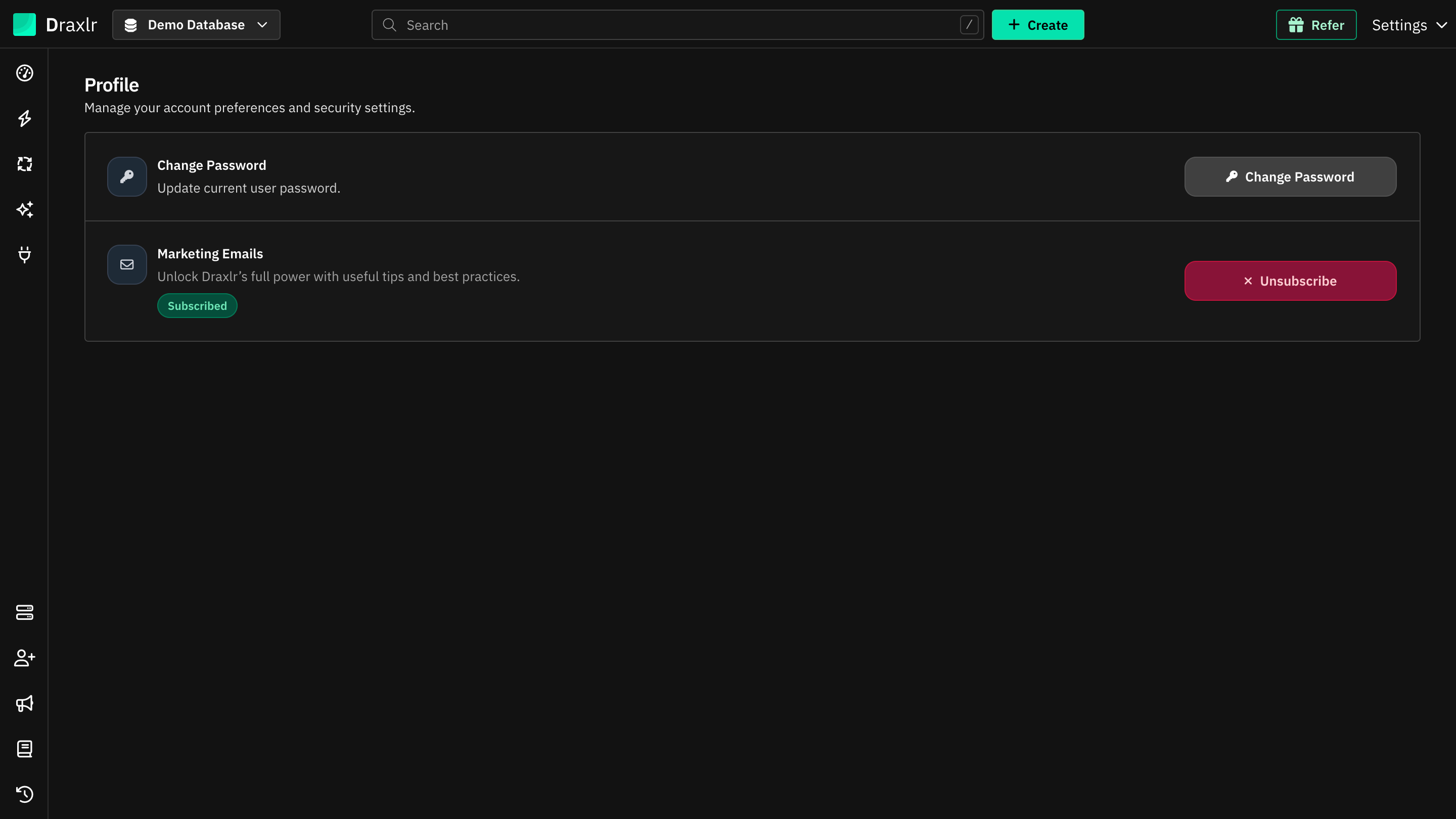
Your account settings apply only to you, not to the rest of your organization. Most of them are on the Profile page: click Settings at the top right and choose Profile.
Reset Password
Set a new password from the sign-in page if you've forgotten yours.
Change Password
Change your password while you're signed in.
Theme
Use Draxlr in light mode, dark mode or your device's setting.
Marketing Emails
Turn Draxlr's tips and best-practice emails on or off.
Where to find each setting
| Setting | Where |
|---|---|
| Reset Password | Forgot password? on the sign-in page |
| Change Password | Settings → Profile → Change Password |
| Theme | Settings → Theme |
| Marketing Emails | Settings → Profile → Marketing Emails |
Organization-wide settings, such as members, access levels and billing, are covered in Access levels and Billing.