Account > Marketing Emails
Turn Draxlr's marketing emails, with tips and best practices, on or off from your Profile or from the unsubscribe link in any marketing email.
Draxlr sends marketing emails with tips and best practices for getting more out of it. You can turn them off or back on at any time.
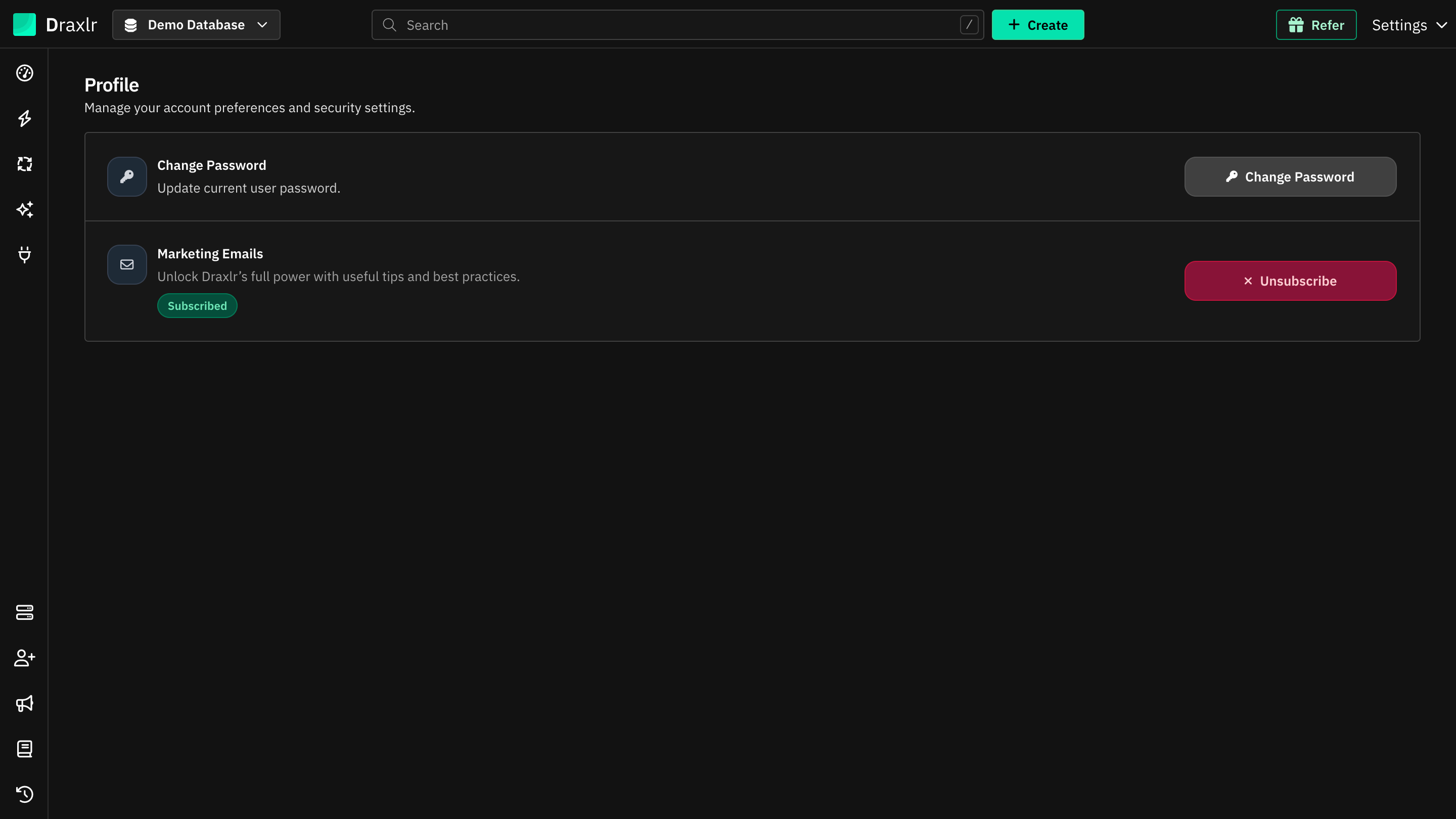
Turn marketing emails on or off
- Click Settings at the top right and choose Profile.
- Under Marketing Emails, the status shows Subscribed or Not subscribed.
- Click Unsubscribe and confirm in Unsubscribe from marketing emails? to stop them, or click Subscribe to get them again.
You can also click the unsubscribe link at the bottom of any marketing email.
What still arrives
Unsubscribing only stops marketing emails. You still get the emails you set up or need, such as:
- Email alerts and email schedules
- Invitations to an organization
- Password reset emails