Add Dashboard Element > Image
Add an image block to a Draxlr dashboard, such as a logo or banner, by uploading a JPG, PNG, GIF, SVG or WEBP file up to 5 MB.
An image block adds a picture to a dashboard, such as your logo, a banner or a diagram.
Here is an interactive demo:
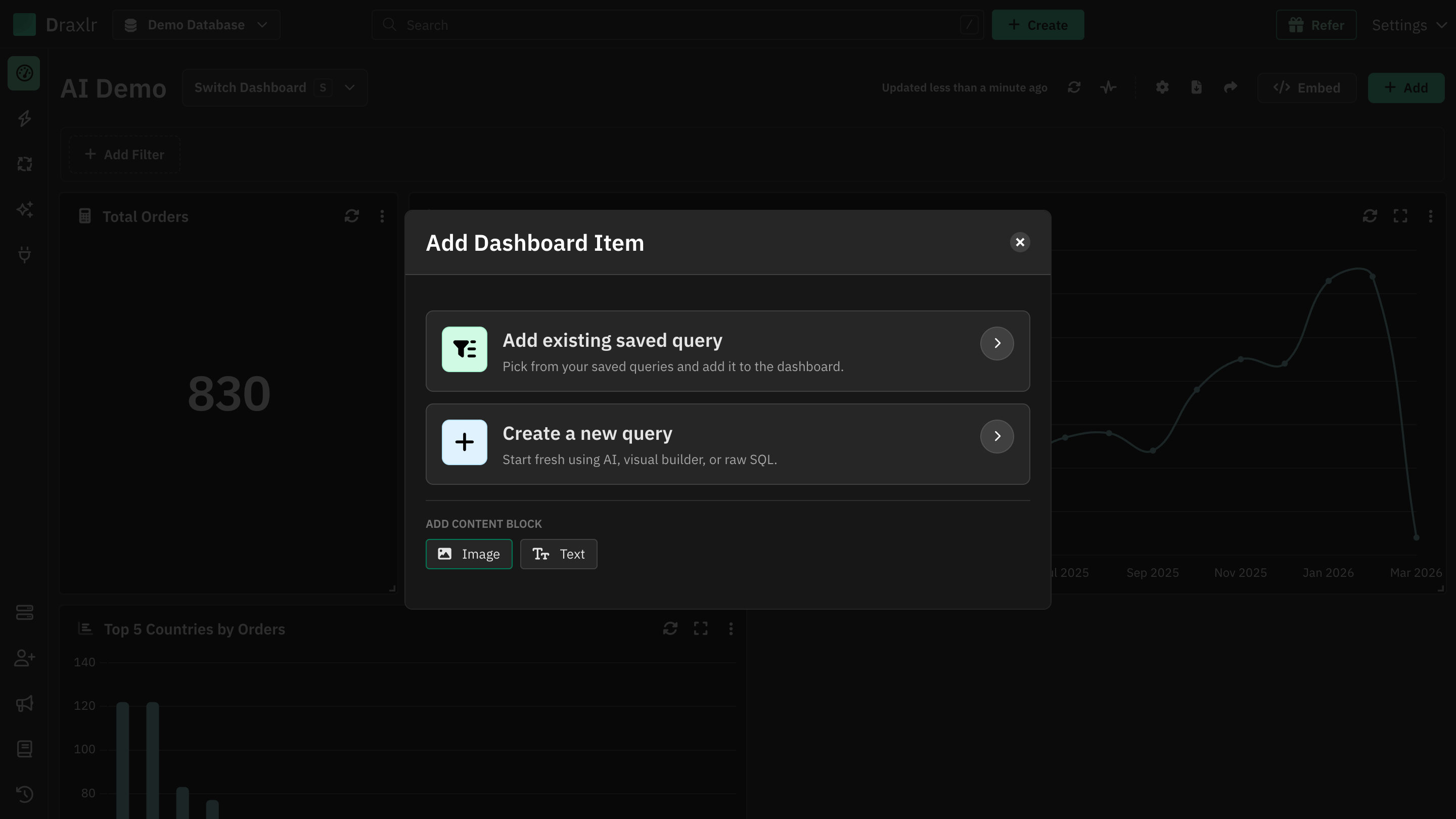
On the dashboard, click Add. Under Add content block, click Image.
Add an image block
Open Add Dashboard Item
Open the dashboard and click Add in the top right corner.
Choose Image
Under Add content block, click Image.
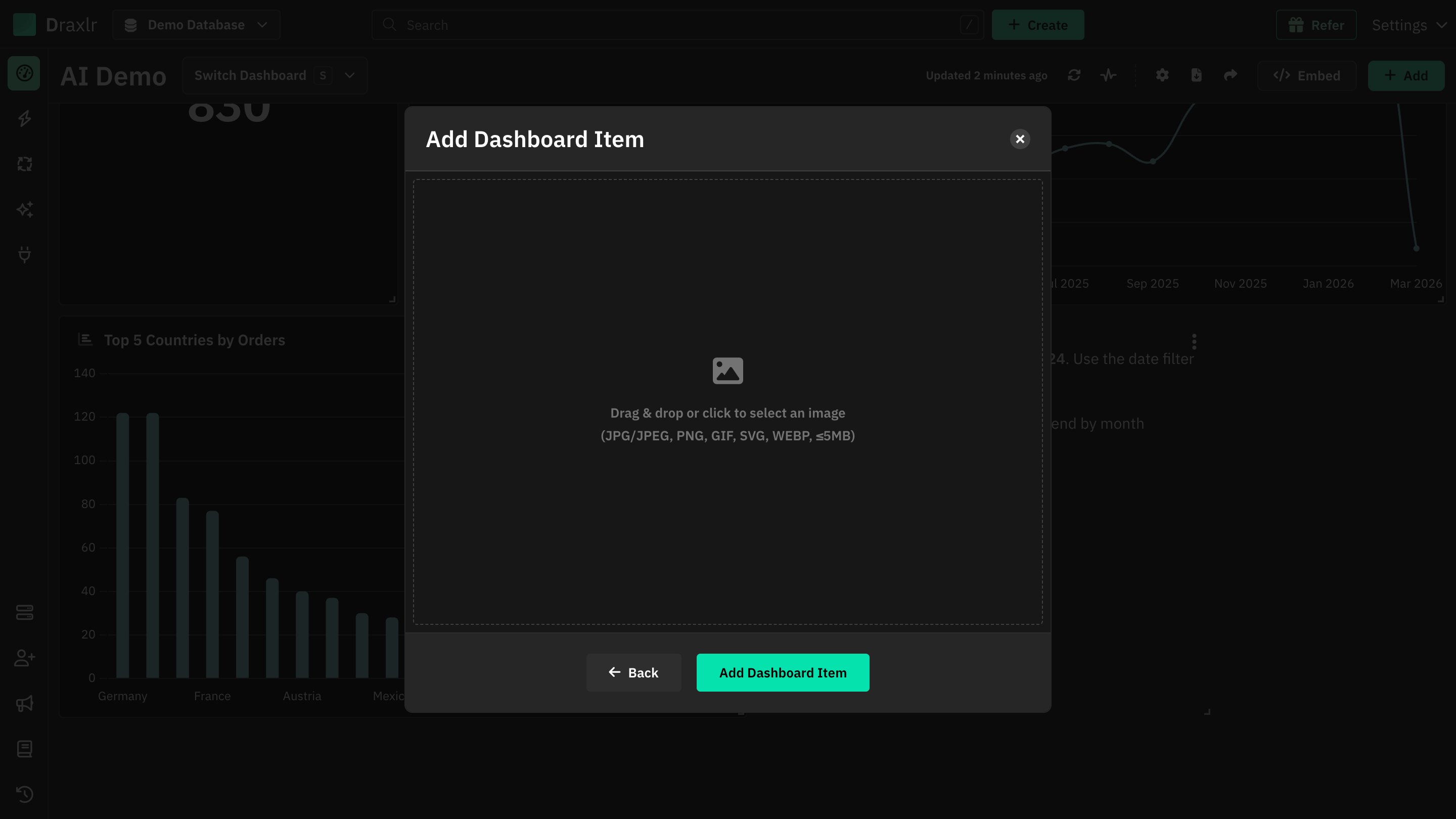
Pick an image
Drag and drop an image onto the upload area, or click it to choose a file. A preview shows the image with its name and size. Click the trash icon to choose a different one.
Click Add Dashboard Item
The button shows Uploading image while the image uploads, and then it appears on the dashboard.
Supported files
| File types | JPG/JPEG, PNG, GIF, SVG and WEBP |
| Maximum size | 5 MB |
Other files show Invalid file type. Only JPG/JPEG, PNG, GIF, SVG, and WEBP are allowed. Larger files show File size exceeds 5MB limit.
How image blocks look
- The image is scaled to fit inside the block and centered, so it's never cropped or stretched. If the block's shape is different from the image's, the rest of the block stays empty.
- An image block has no title bar or border. Resize the block to match the image, such as a wide block for a banner.
- To move an image block, drag it by the image.
- Image blocks show on public URLs, embedded dashboards and in PDF exports.
Images are stored privately by Draxlr. The dashboard loads each image with a link that expires after a day, so the image can't be opened from an old link.
Replace or remove an image
Hover over the block to show its menu (⋮):
- Edit opens the upload area. Choose a new image and click Update Dashboard Item. The new image replaces the old one, which is deleted. The upload area starts empty, so you need to pick an image to update the block.
- Remove deletes the block and its image after you confirm.
Only members who can edit the dashboard see the menu.